Client or Couple File—How It's Structured
Three tabs for quick access to all information—for reviewing before a session, tracking the process, and keeping complete clinical documentation in one place.
Written By Teodora
Last updated 4 days ago
Each client’s or couple’s file is organized into three tabs: About the Client, Treatment Plan, and Documents. Each tab serves a different purpose:
About the Client—contains all personal, contact, and clinical information. Ideal for a quick review before a session or when a client returns after a break—you can find the most important details right away, without having to search through your notes.
Therapeutic Plan—your working clinical hypotheses, goals, and focus, which you update as therapy progresses. A dynamic workspace that grows alongside the process.
Documents—all session notes, forms, and uploaded files in one place, arranged chronologically.
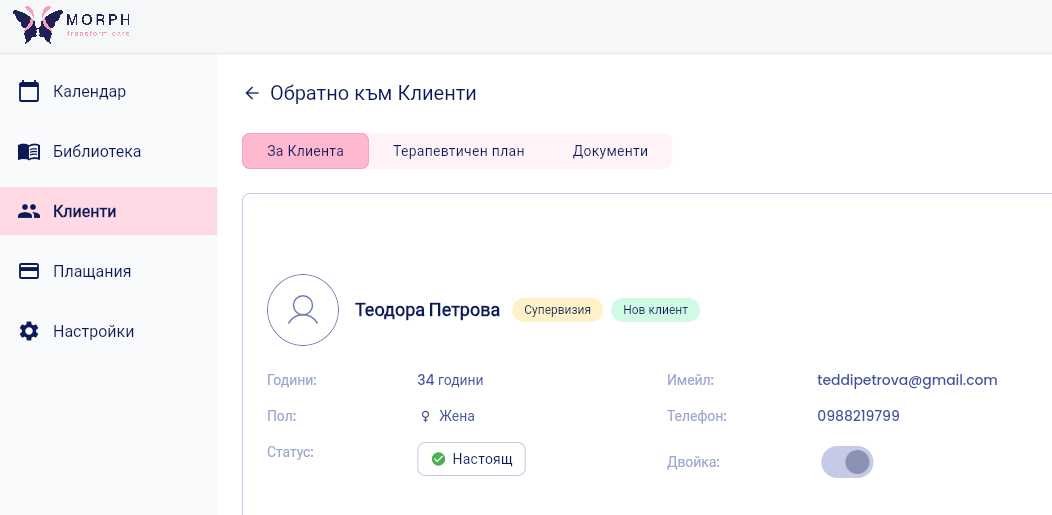
"About the Client" Tab
Contains all personal, contact, and clinical information about the client. It is filled out when the file is created and can be updated at any time.
Personal Information
First and Last Name
Age
Gender—select from the menu options (Female, Male, Non-binary)
Status—select from the options in the menu (Active, On Hold, or Closed)
Phone
Email
Context and History
Referral—how the client found us: referral, online search, colleague, etc.
Reasons for Seeking Counseling—the client’s initial request at the start of therapy
Occupation/Education—you may also include a history of employment and education
Place of residence—you may also include a history of places of residence by year
Family
Marital status and current family—partner, children, family status
Family of origin and relatives—parents, brothers and sisters, their marital status and lives
Health
Health Status—General Health History
Psychiatric diagnosis and medication—including prescribed medications, dosages, and other relevant information
Additional Fields
Genogram—upload a photo of the genogram directly to the file
Emergency Contact (optional)—check the box to add: first and last name, phone number, email, and relationship to the client
Psychiatrist’s contact information (optional)—check the box to add: first and last name and phone number
💡 Want to edit the information? Click “Edit” in the top right corner, make your changes, and click “Save Changes.” Changes are not saved automatically.
💡 Are you working with a couple? The couple has one shared file. Check out the article on how to create it here.
"Treatment Plan" tab
A free-text field for working clinical hypotheses, main goals, focus, and treatment plan. It is updated throughout the course of therapy.
💡 Want to edit the information? Click “Edit” in the top right corner, make your changes, and click “Save Changes.” Changes are not saved automatically.
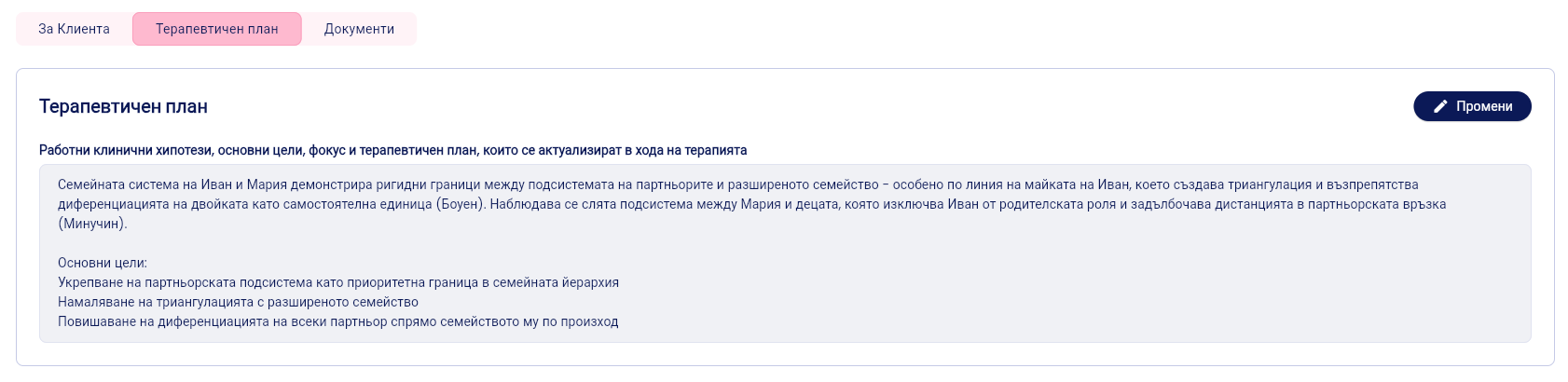
"Documents" tab
A list of all documents and notes related to the client—session notes, forms, and uploaded files.
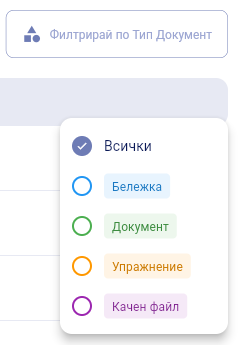
For each document, you’ll see: title, date added, status (Completed / Incomplete), and document type.
You can: view 👁, edit ✏️, or open additional options via “...”.
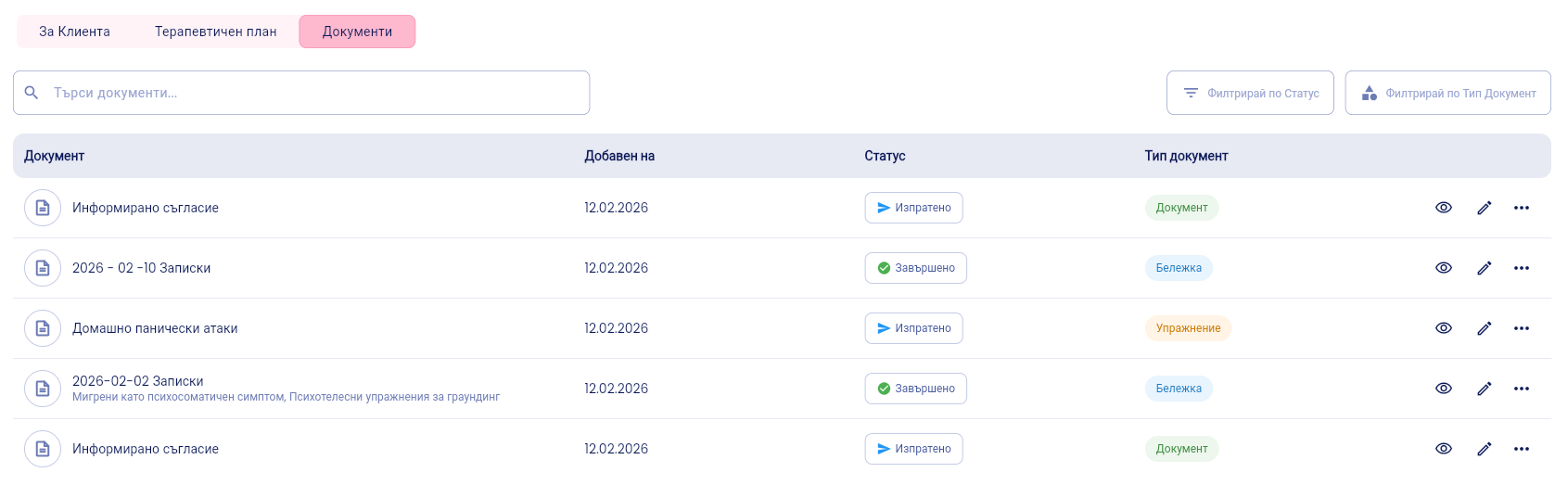
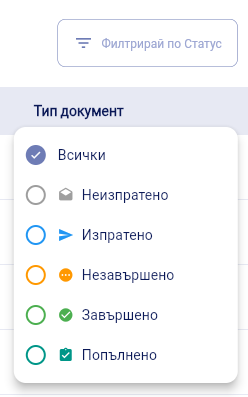
To search and filter, use the search bar or the filters by Status and Document Type in the top right corner.
💡 How to add a new note after a session or document: Click “+ Add Document” in the top right corner. →See the article: How to Add Session Notes to a Client's File
Was this helpful?
Still need help? Ask the team