How to Add a New Session to the Calendar
Written By Teodora
Last updated 4 days ago
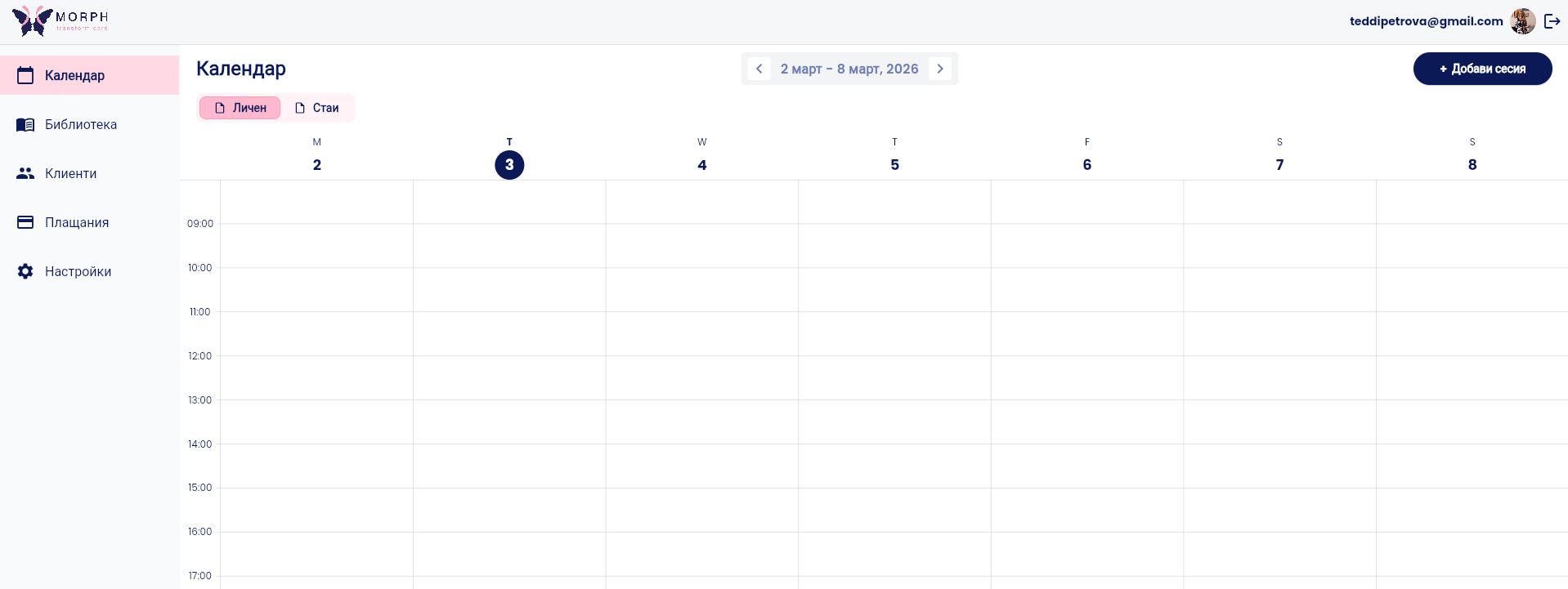
1. Go to the "Calendar" section
Click the “Calendar” tab in the main menu.
2. Create a new session
Tap the desired day or the “+ New Session” button.
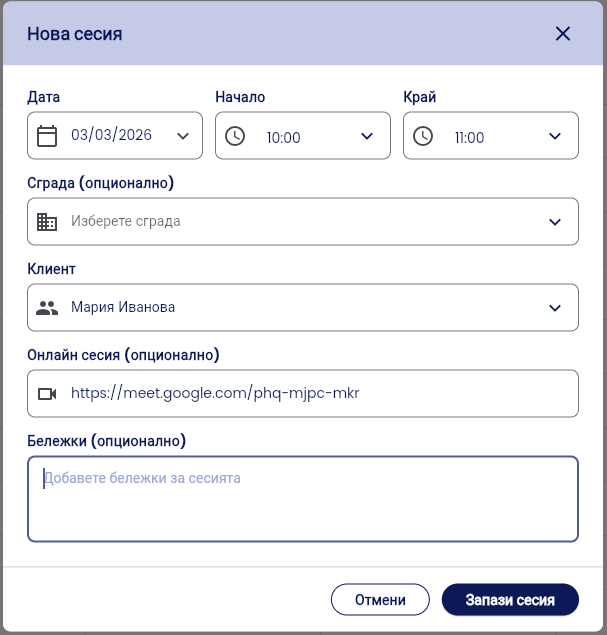
3. Fill in the session details
Date—select the date of the session
Start and End—set the start and end times
Client—select a client from the list
Online Session (optional) — if the session is online, add the link to the video call
Notes (optional) — add preliminary notes about the session
💡 Do you work at a clinic? The “Building” field lets you select a location and room if the clinic provides access to rooms for its therapists. If you work independently, you can skip this field.
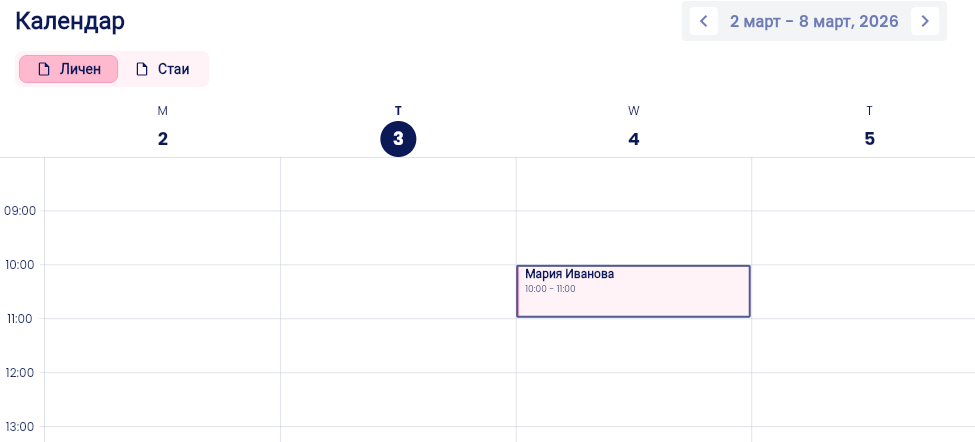
4. Click “Save Session.” The session appears in your calendar.

Was this helpful?
Still need help? Ask the team